
Keep every follow-up on track.

Manage sales tasks, schedule follow-ups, and track overdue activities in one place. iSales helps your team stay organized and know what needs attention next.

No credit card required.

Follow-up Management

Make the next sales action clear.

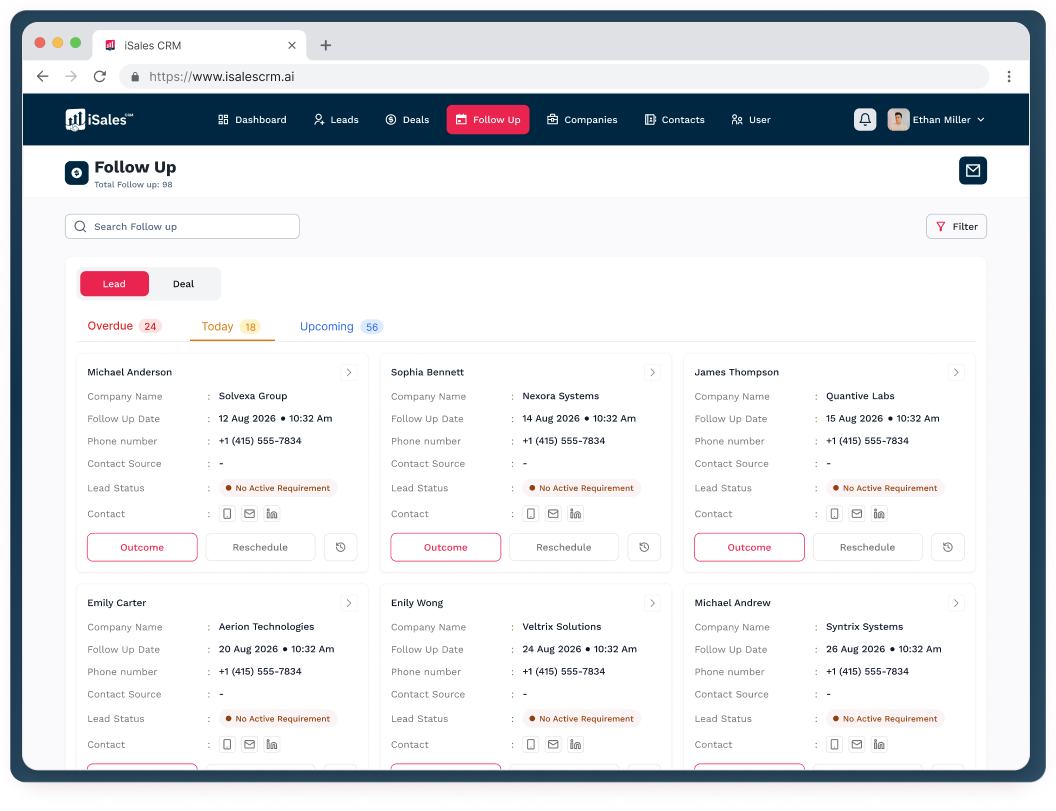
A follow-up is easy to miss when it lives in a notebook, spreadsheet, or someone's memory. iSales keeps follow-ups organized in your CRM so your team can see what is due, what is overdue, and what needs to happen next.

Schedule Follow-Ups

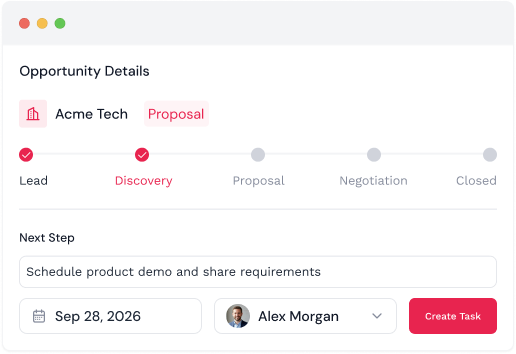
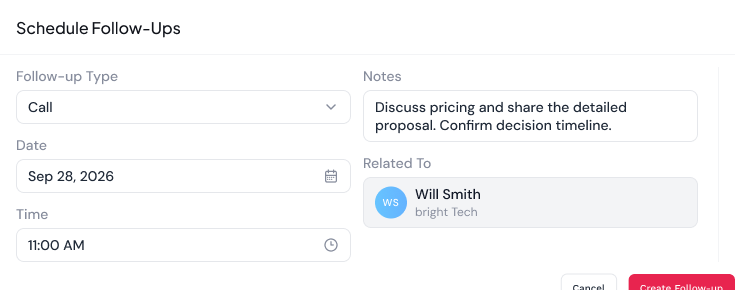
Create follow-up activities with a clear next step and due date.

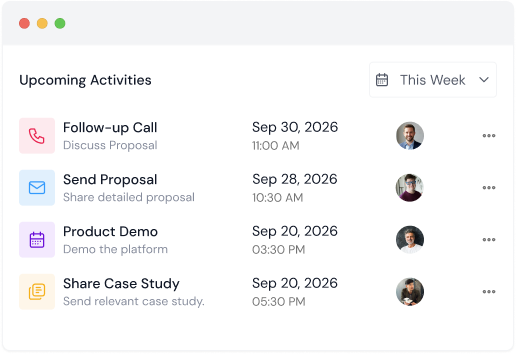
See What's Coming Up

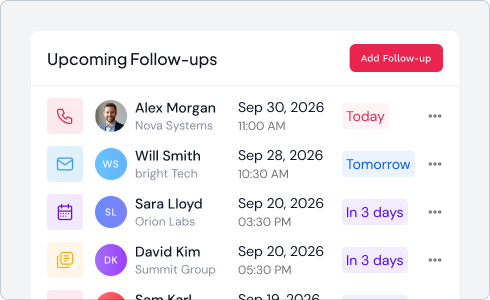
Keep upcoming sales activities visible so your team can plan ahead.

Track Overdue Work

Identify follow-ups that have passed their due date and need attention.

Stay on Top of Today

See the activities that need to be handled today without searching through different tools.

Task & Activity Tracking

Turn sales actions into work your team can track.

Record the tasks and activities that keep opportunities moving. iSales helps your team organize what needs to be done, when it needs to be done, and which customer or opportunity it relates to.

Create Sales Tasks

Record the actions your team needs to complete as part of the sales process.

Set Due Dates

Give each activity a clear timeframe so important work doesn't get forgotten.

Track Completion

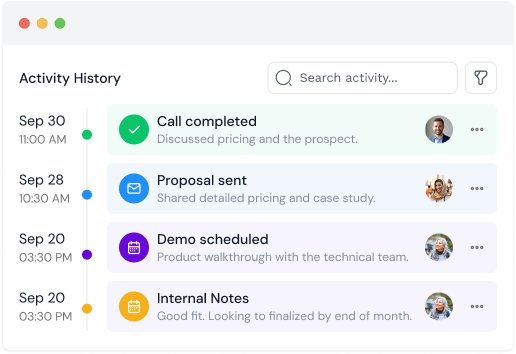
See which activities are completed and which still need attention.

Connect Activities

Keep tasks and activities associated with the relevant customer or opportunity.
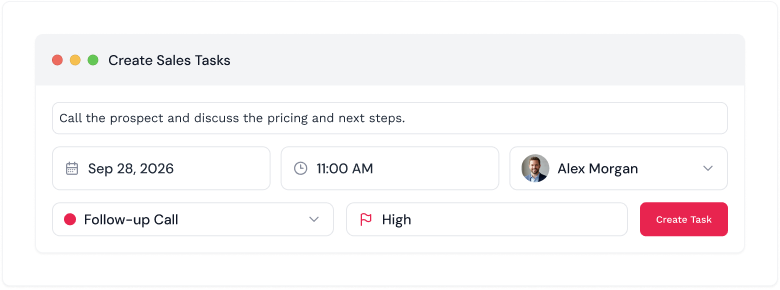
01

Create Sales Tasks

Record the actions your team needs to complete as part of the sales process.
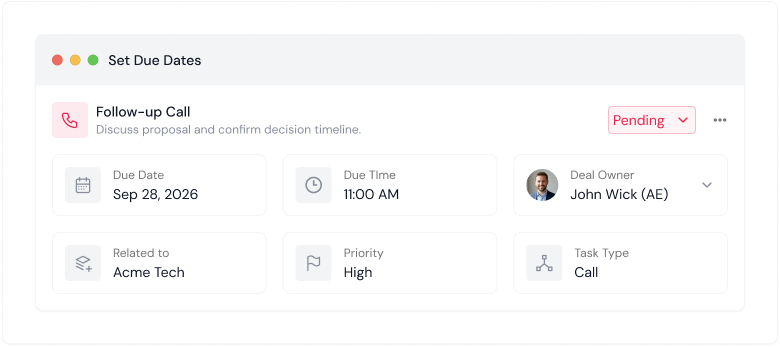
02

Set Due Dates

Give each activity a clear timeframe so important work doesn't get forgotten.
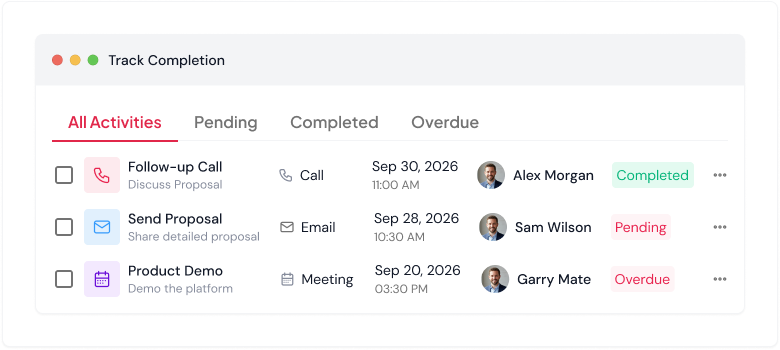
03

Track Completion

See which activities are completed and which still need attention.
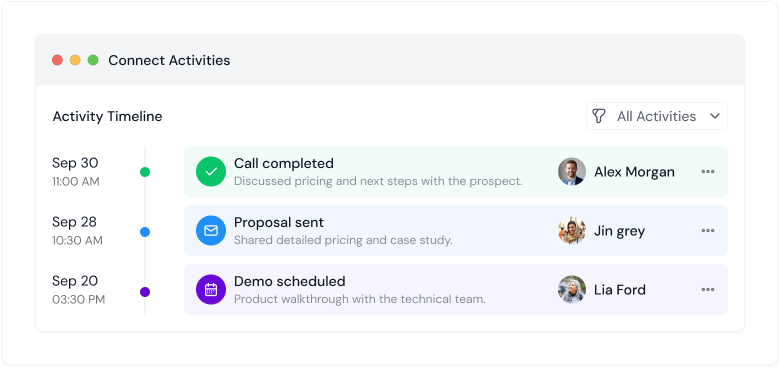
04

Connect Activities

Keep tasks and activities associated with the relevant customer or opportunity.

Overdue Follow-Ups

Don't let overdue work disappear from view.

When follow-ups are missed, the problem isn't always knowing that they are overdue—it's finding them quickly and deciding what needs attention. iSales gives your team visibility into outstanding follow-ups so they can review and act on them.

Clear Overdue Visibility

See follow-ups that have passed their due dates.

Review Outstanding Work

Bring overdue activities into view alongside the rest of your sales tasks.

Know What Needs Attention

Give salespeople a clearer view of the work that still needs to be completed.

Connected Sales Workflow

Keep the next action connected to the relationship.

Follow-ups are more useful when they are connected to the customer and opportunity behind them. iSales keeps sales activities within the CRM, giving your team the context they need when it's time to make the next call, send a message, or continue the conversation.

01

Customer

Know who the follow-up is for and access the relevant relationship information.

02

Activity

Record the task or follow-up that needs to happen.

03

Due Date

Keep track of when the action needs to be completed.

04

Next Action

Review the context and take the next step.

Sales Workflow

Keep sales activity organized from one step to the next.

Sales work doesn't stop after the first conversation. Keep tasks and follow-ups organized as opportunities progress, so your team has a clear record of the actions taken and the work still ahead.

01

Plan the Next Step

Give each active sales relationship a clear follow-up or task.

02

Keep Work Visible

Make upcoming and outstanding activities easier for your team to find.

03

Maintain Activity History

Keep completed sales activities available as part of the relationship record.

Ai-Powered Follow-Ups

Get more context from your follow-up outcomes.

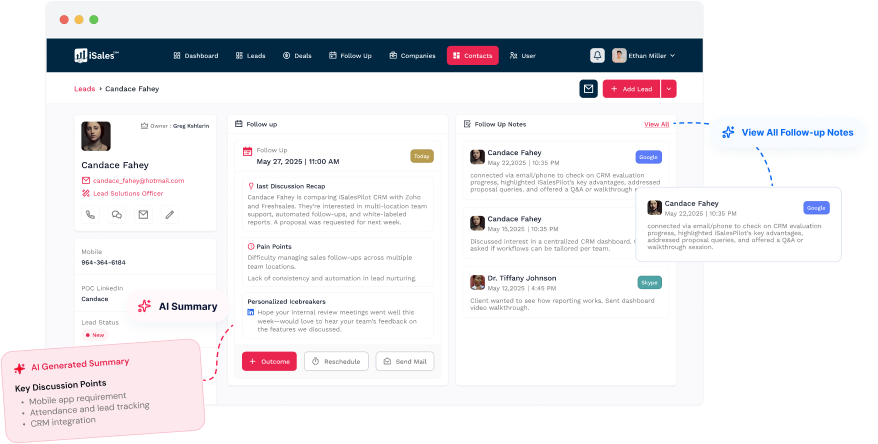
iSales AI analyzes your follow-up outcomes and generates actionable insights, helping sales teams understand customer intent and determine the next best action.

Frequently Asked Questions

Questions?We have answers.

Find answers to common questions about iSales CRM, getting started, AI features, and account security.

Still have questions?

Follow-up management helps sales teams organize planned activities, track due dates, monitor outstanding work, and keep customer interactions moving through the sales process.

SEE HOW iSales CRM COMPARES

Start selling with less work
and more clarity.

Set up your CRM, organize your sales workflow, and start managing leads and follow-ups in minutes.


    Free for up to 5 users · Quick setup · No complicated onboarding