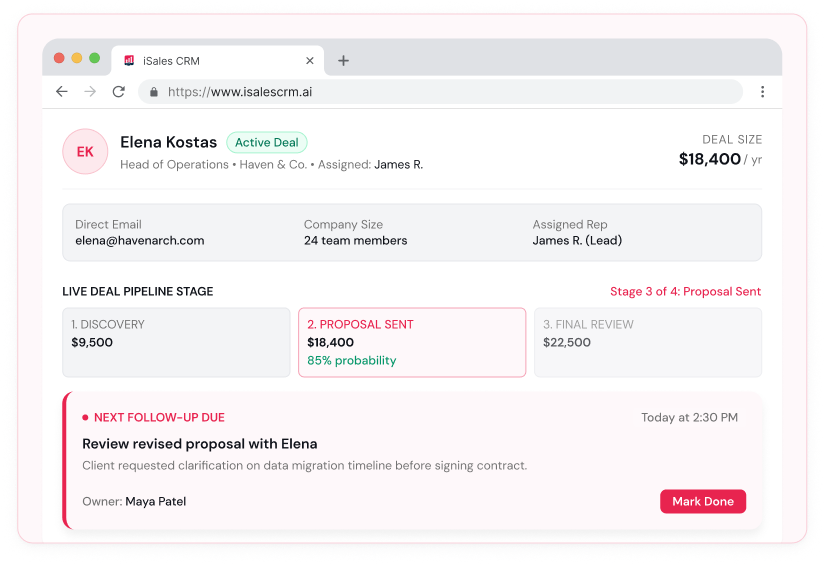
Keep leads, customer relationships, deals, and follow-ups organized in one place. iSales CRM helps your team manage its sales process with less manual work and AI assistance where it matters.
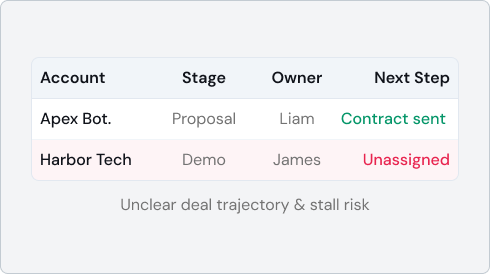
A sales team may have plenty of leads and active opportunities, yet still struggle to keep work organized. The problem often comes down to how information and responsibilities are managed.
iSales CRM brings these activities together so your team can manage the sales process without keeping separate records for every part of the work.
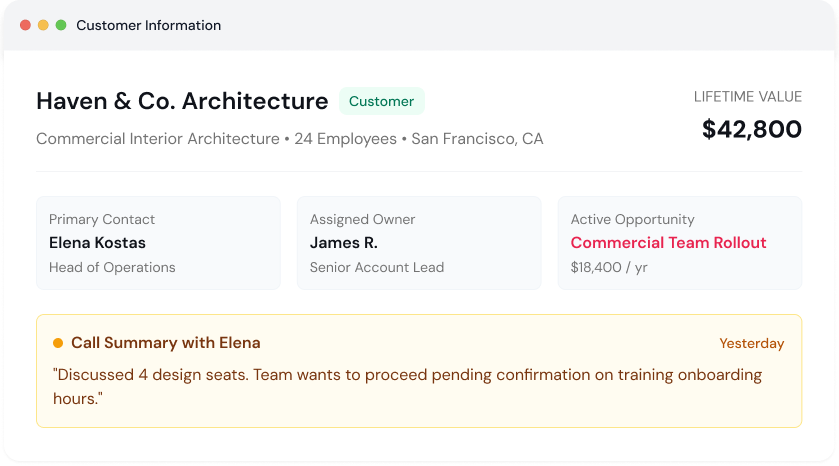
Manage leads, contacts, and company information in one CRM, with relevant sales activity connected to customer records.
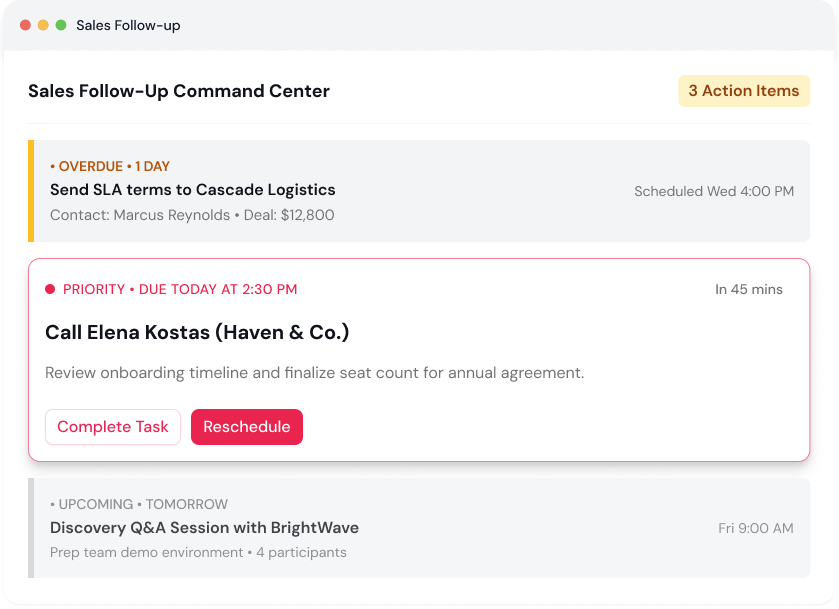
Schedule sales activities, review upcoming work, and keep overdue follow-ups visible.
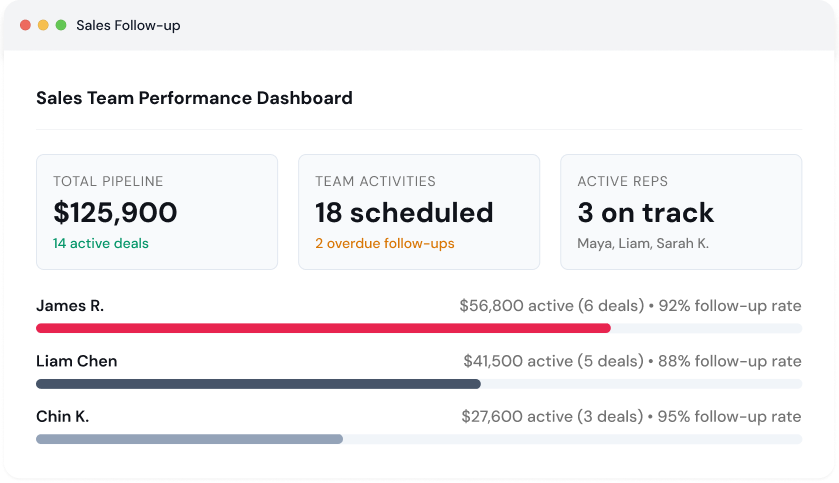
Use available dashboards and reports to review sales activity and pipeline progress, helping managers understand what is happening across the team.
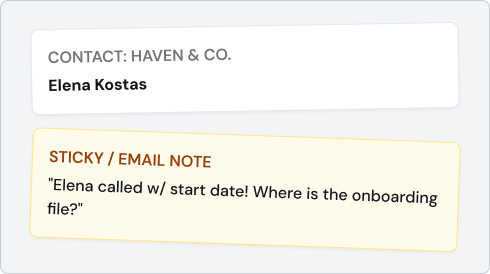
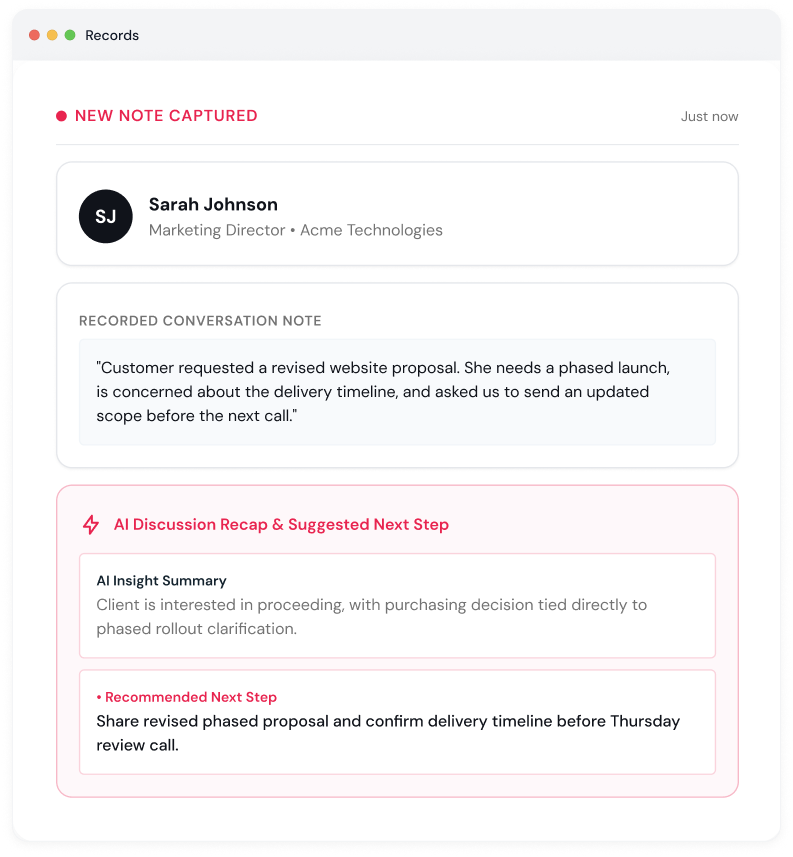
Customer conversations and follow-ups contain useful details, but reviewing and organizing them takes time. iSales CRM includes AI features that help your team work with that information.
Find answers to common questions about iSales CRM, getting started, AI features, and account security.
iSales CRM helps you manage leads and contacts, track deals, organize sales activity, and schedule follow-ups. It is designed to help keep your sales process organized as your customer base grows.
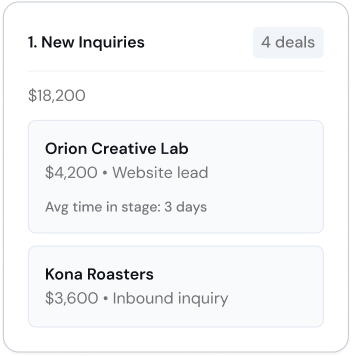
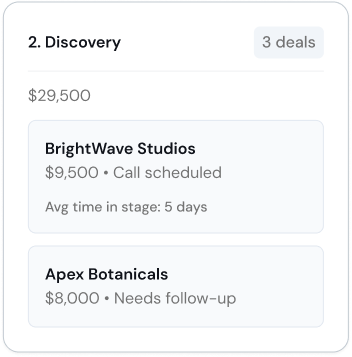
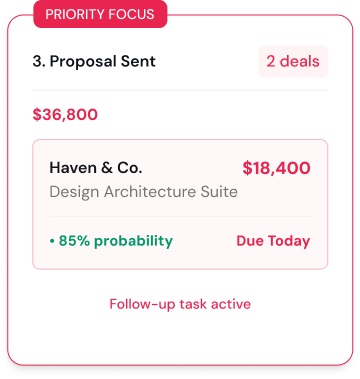
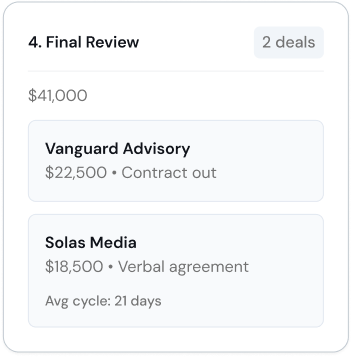
Yes. iSales CRM supports a dynamic sales pipeline, allowing teams to organize stages around their sales process and adjust them as their workflow changes.
Yes. iSales CRM includes AI capabilities such as Discussion Recap, AI Outcome Summary, Company Information Auto-Enrichment, Image-to-Outcome Extraction, AI Follow-Up Intelligence, and AI Cold Calling. Availability and usage terms may vary by feature and plan.

Yes. iSales CRM is available on web and mobile, allowing users to access supported CRM workflows from their devices.
The free plan supports up to five users and includes core CRM capabilities. For details about paid plans and AI calling credits, visit the pricing page.
Set up your CRM, organize your sales workflow, and start managing leads and follow-ups in minutes.