

Connect your calling platform to your sales workflow.

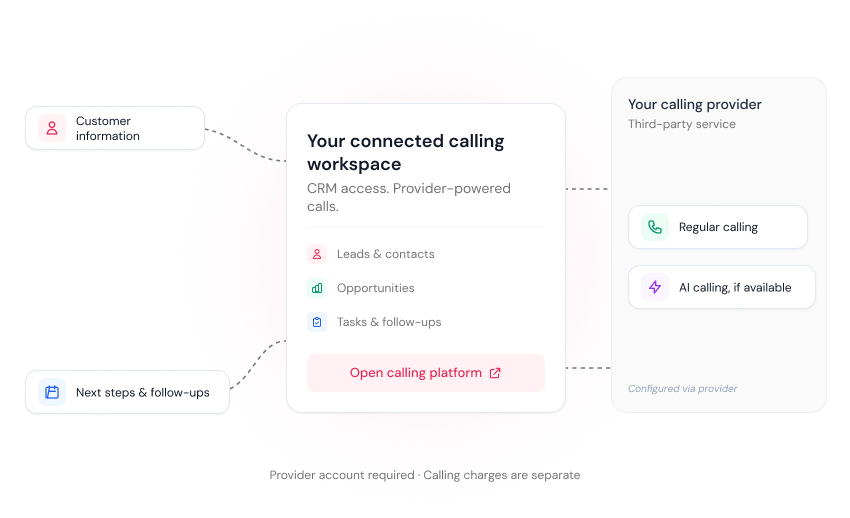
Make regular calls or use AI-powered calling through a compatible third-party platform connected to iSales CRM. Access your calling workflow from your CRM dashboard while keeping your leads, opportunities, and follow-up activities organized.

No credit card required.

Regular And Ai-powered Calling

Regular And Ai-powered Callinguse The Calling Approach That Fits Your Sales Process.

Some sales conversations need a salesperson, while others may use an AI calling agent provided by a third-party platform. Connect a compatible calling provider to iSales CRM and access its available calling capabilities from your CRM dashboard. The features available depend on the provider and configuration.

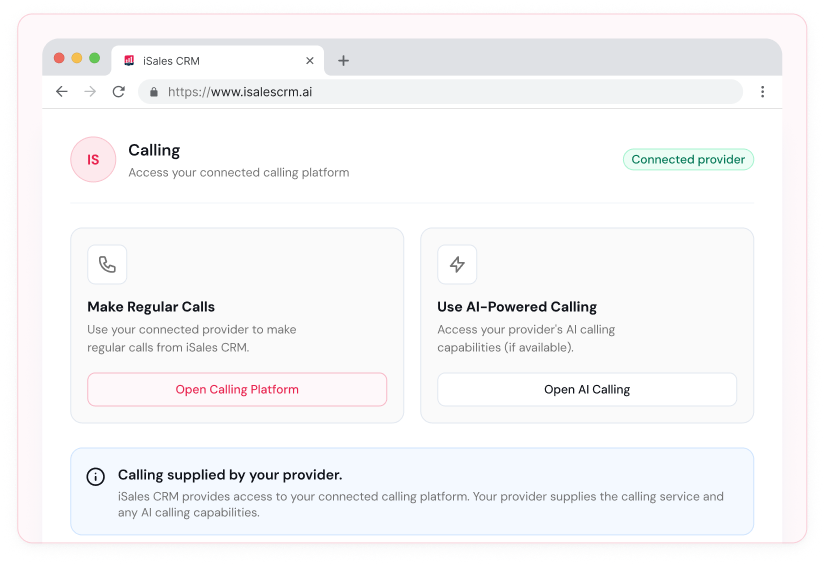
Make Regular Calls

Access regular calling through a compatible connected provider as part of your sales workflow.

Use AI-Powered Calling

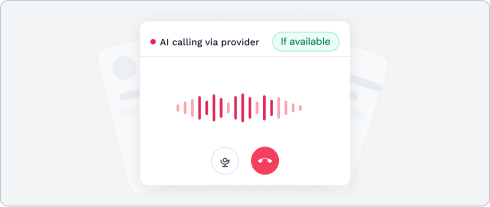
Connect a provider that offers AI calling capabilities and use its available AI calling service through the supported setup.

Access Calling From Your Dashboard

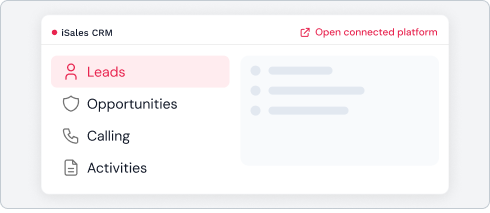
Keep access to your calling workflow alongside your leads, opportunities, and other sales activities in iSales CRM.

Choose Your Calling Provider

Twilio is one example of a calling platform. If your preferred provider is not currently supported, request an integration and our team will review its feasibility.

How It Works

Connect your provider and access calling through iSales CRM.

iSales CRM provides access to a connected calling platform through the CRM dashboard. Your provider supplies the calling service and, where available, its AI calling capabilities. The exact setup and available features depend on the provider and integration.

Choose Your Provider

Select a compatible calling platform that supports the calling features you need.

Connect Your Provider

Connect your provider using the supported integration and follow the required setup steps.

Configure Your Calling Service

Set up regular calling or the provider's AI calling capabilities according to its requirements.

Access Calling From iSales CRM

Open your connected calling workflow through the CRM dashboard.

Continue Your Sales Workflow

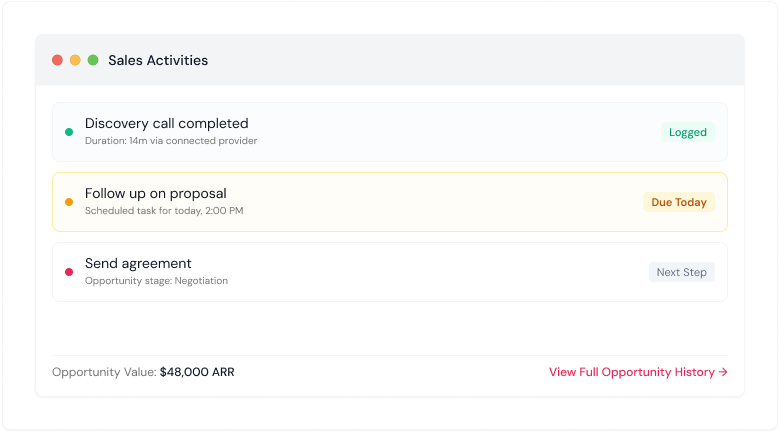
Use iSales CRM to manage leads, sales opportunities, tasks, and follow-ups alongside your calling activities.
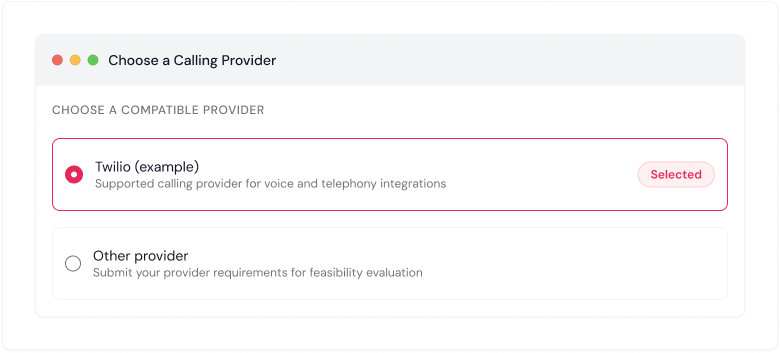
01

Choose Your Provider

Select a compatible calling platform that supports the calling features you need.
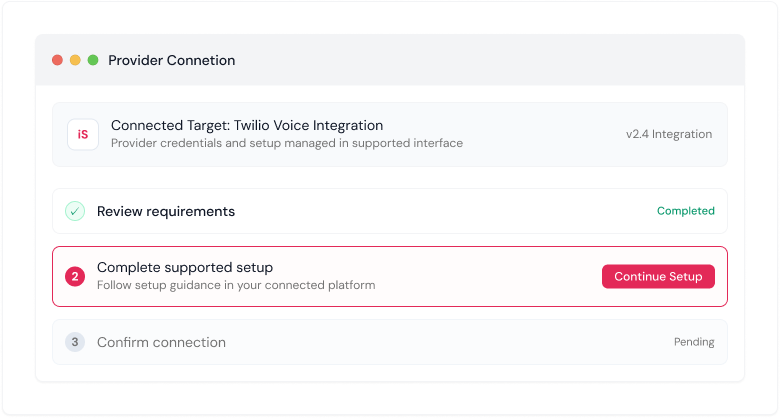
02

Connect Your Provider

Connect your provider using the supported integration and follow the required setup steps.
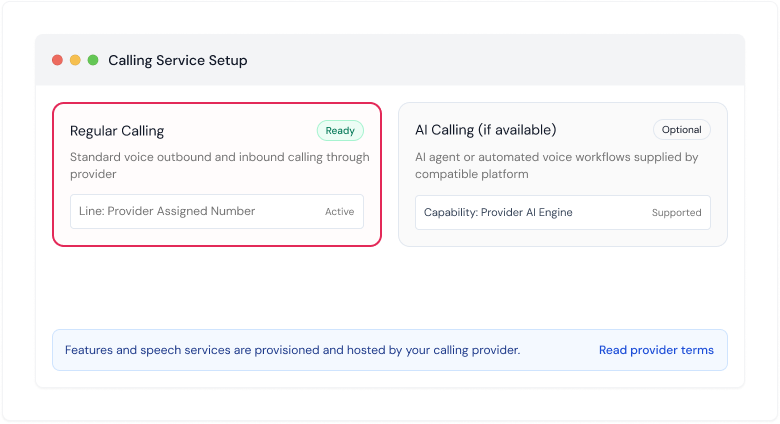
03

Configure Your Calling Service

Set up regular calling or the provider's AI calling capabilities according to its requirements.
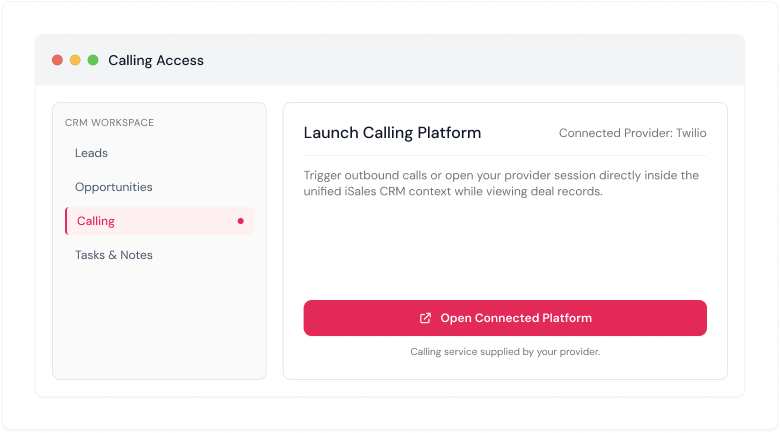
04

Access Calling From iSales CRM

Open your connected calling workflow through the CRM dashboard.
05

Continue Your Sales Workflow

Use iSales CRM to manage leads, sales opportunities, tasks, and follow-ups alongside your calling activities.

Calling And Sales Management

Keep your calling workflow connected to your CRM.

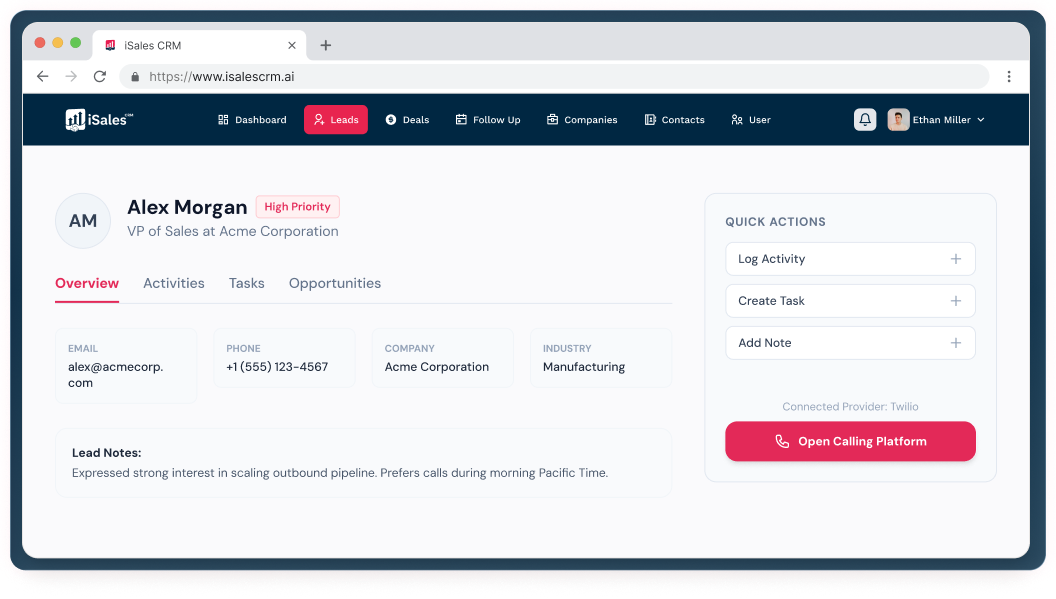
Calling is one part of managing a sales opportunity. iSales CRM brings your sales management activities together with access to your connected calling platform, helping you work from a central CRM dashboard without suggesting that iSales CRM itself supplies the calling engine.

Your Connected Sales Workflow

Bring calling and prospect management closer together.

Manage leads, sales opportunities, and follow-ups in iSales CRM while accessing regular or AI-powered calling through a compatible connected provider. Your provider supplies the calling service, and available capabilities depend on the integration and provider configuration.

01

Prospect

Manage the lead or contact in iSales CRM.

02

Calling Setup

Connect and configure a compatible calling provider.

03

Call

Access regular calling or available AI calling capabilities through the connected provider.

04

Follow-Up

Use iSales CRM to organize tasks and follow-up activities.

05

Opportunity

Continue managing the sales opportunity through your CRM pipeline.

Ai-Powered CRM

Reduce the manual work around customer information.

iSales AI can enrich company information, summarize customer conversations, and extract useful information from sales content, helping your team spend less time entering and organizing information manually.

Frequently Asked Questions

Questions?We have answers.

Find answers to common questions about iSales CRM, getting started, AI features, and account security.

Still have questions?

It lets users access a compatible third-party calling platform through the iSales CRM dashboard. Depending on the provider and setup, users may be able to access regular calls, AI-powered calls, or both.

Both calling modes are possible through compatible provider integrations. The exact features available depend on the connected provider and its configuration.

No. The connected third-party provider supplies the calling service and any AI voice capabilities. iSales CRM provides access through its dashboard.

Twilio is one example of a calling platform. If your preferred provider is not currently supported, you can request an integration. Our team will review the technical requirements and assess whether it is feasible.

Not necessarily. Each request is subject to technical feasibility, provider requirements, and integration scope. We will review the request before confirming whether it can be supported.

Yes. You need an account with your chosen provider and must configure it according to that provider's requirements.

No. Calling charges are determined by your connected provider and its pricing. Check the provider's rates and service terms before using the integration.

Data synchronization depends on the capabilities of the provider and the integration. Contact our team to confirm which data is supported for your setup.