New business can start with a referral, an inquiry, or a conversation that leads to a potential client. iSales CRM helps agencies and consultants manage those relationships, track sales opportunities, and follow up without relying on scattered notes or memory.
Finding potential clients is only part of the work.
When you're balancing existing client commitments with finding new business, sales conversations can easily lose momentum. Without a consistent way to manage them, promising opportunities may go overlooked.
Follow-ups get pushed aside
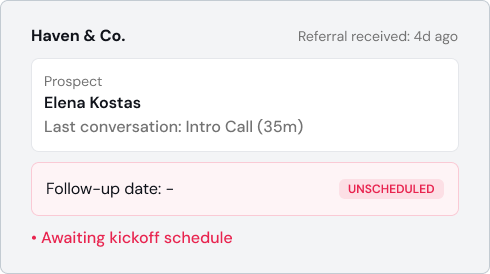
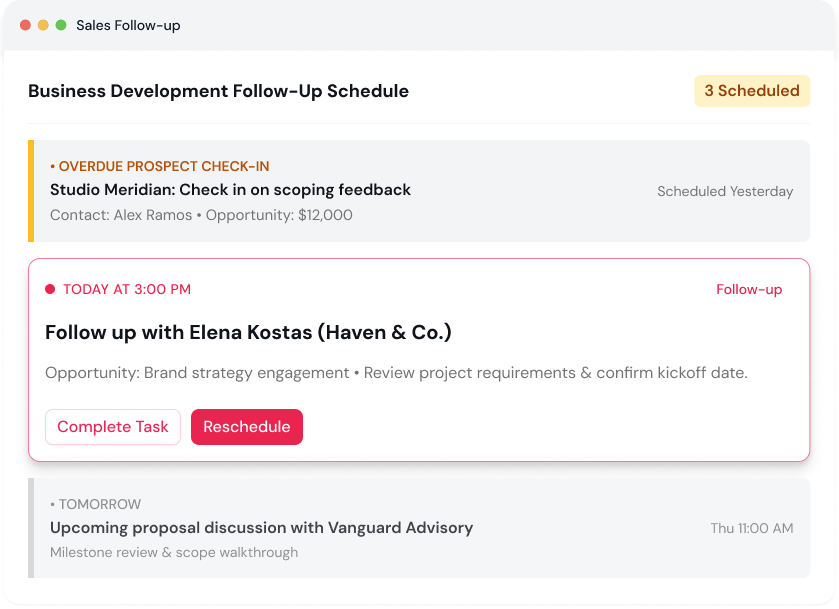
An inquiry or referral may look promising, but without a clear record of when to reconnect, the conversation can go quiet.
Prospect details are scattered
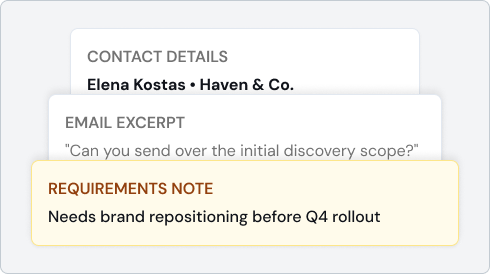
Contact information, business requirements, and previous discussions may sit across emails, messages, and personal notes, making it harder to pick up where you left off.
Opportunities are difficult to prioritize
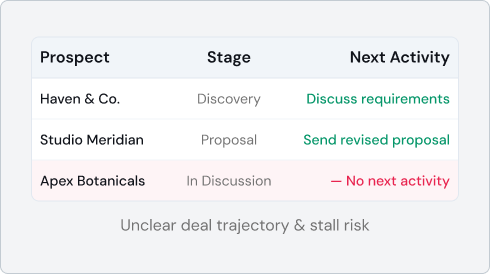
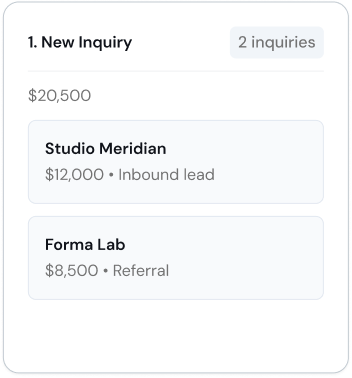
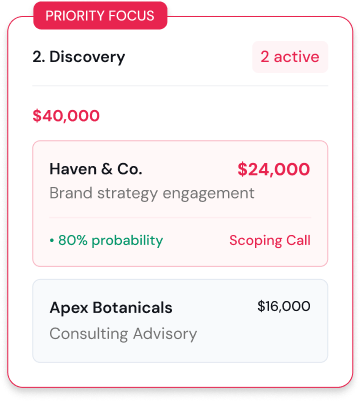
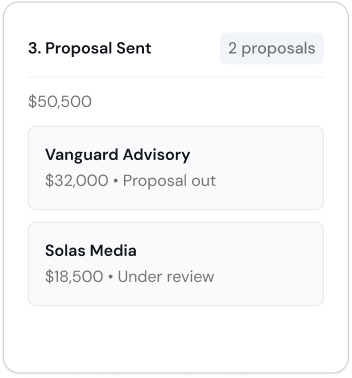
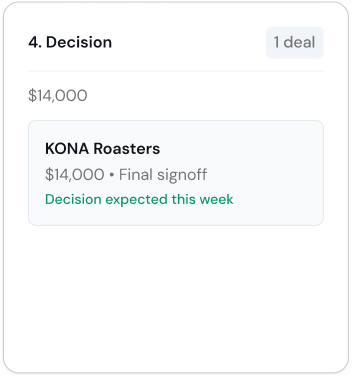
When several potential clients are at different stages, it can be hard to tell which conversations need attention and which opportunities are moving toward a decision.
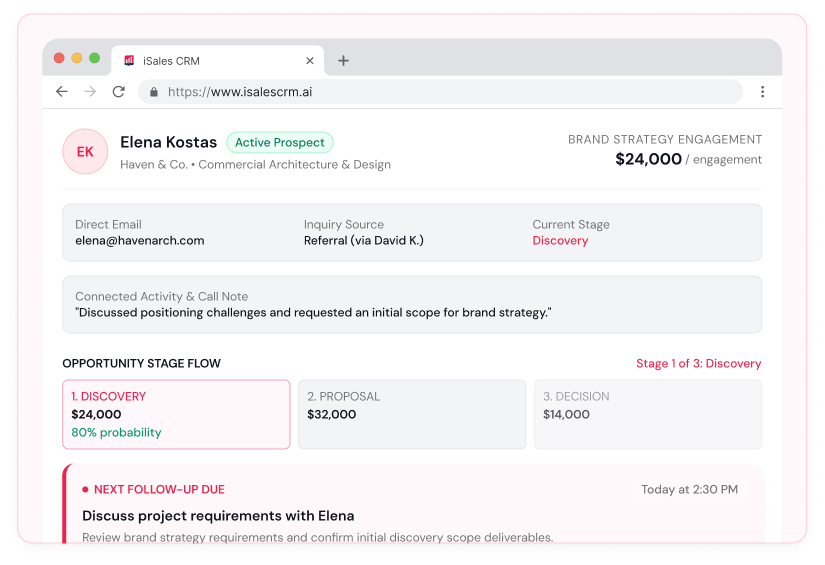
From the first inquiry to a final decision, iSales CRM gives you a clearer view of your business development activities. You can organize prospect information, monitor opportunities, and plan follow-ups as conversations progress.
Keep prospect information together
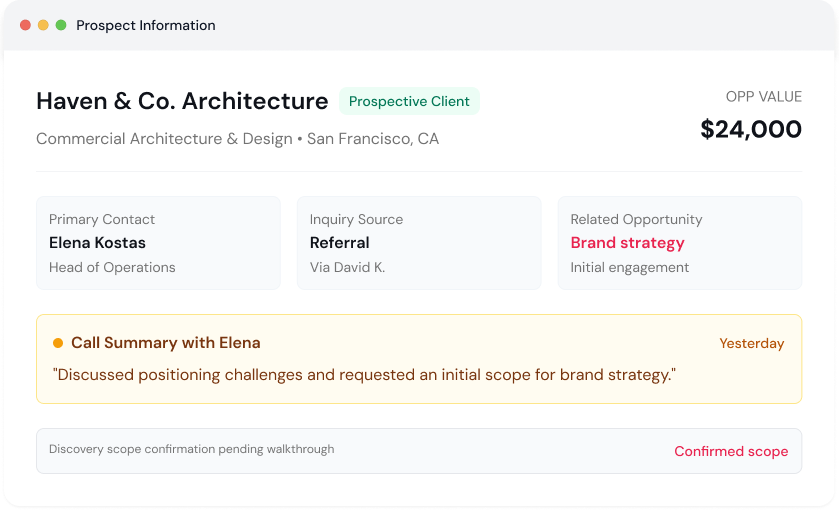
Store contact details, company information, and relevant sales activity so you can return to a conversation with the context you need.
Get back up to speed before your next client conversation.
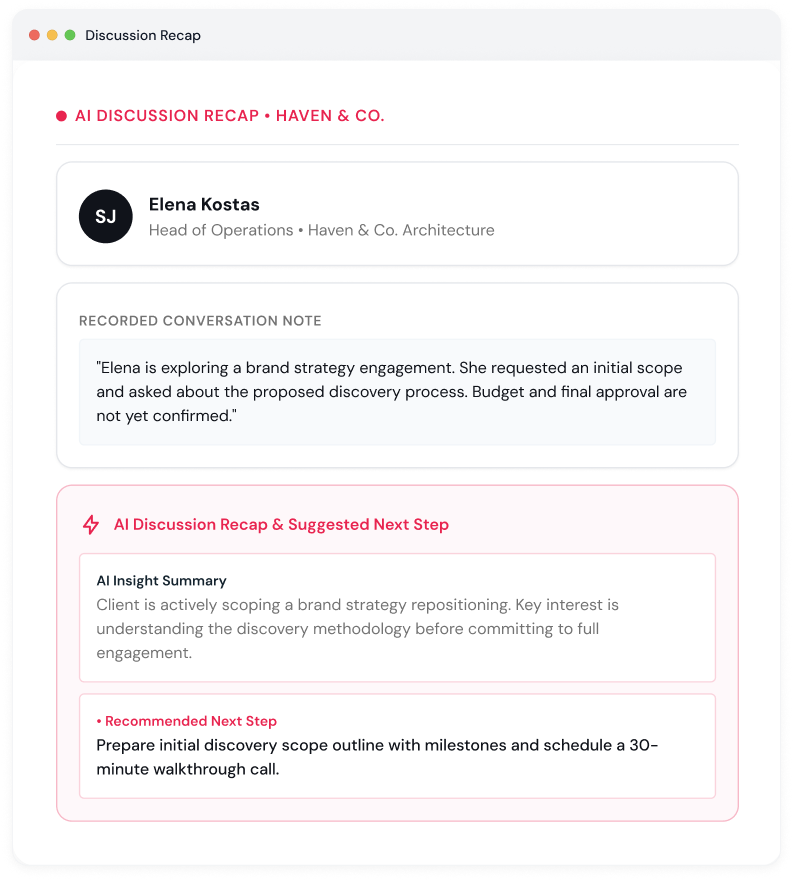
When you're handling several prospective clients, reviewing past discussions takes time. iSales CRM includes AI features that help you revisit important details and understand what was discussed.
Review discussion highlights
Use Discussion Recap to review key points from a conversation without having to go through all the details again.
Get insights from follow-up activity
Use AI Outcome Summary to help organize important information about a discussion and its outcome.
Yes. iSales CRM can help agencies and consultants manage prospective clients, maintain contact information, track new business opportunities, and plan follow-ups.
Yes. iSales CRM includes features such as Discussion Recap, AI Outcome Summary, AI Follow-Up Intelligence, and AI Cold Calling. Availability and usage may depend on the plan and feature requirements.